AI product
photo editor.
Remove backgrounds. Smooth creases. Try a model or mannequin.
Edit your product photos ↗From your inventory or phone. On desktop and in the app.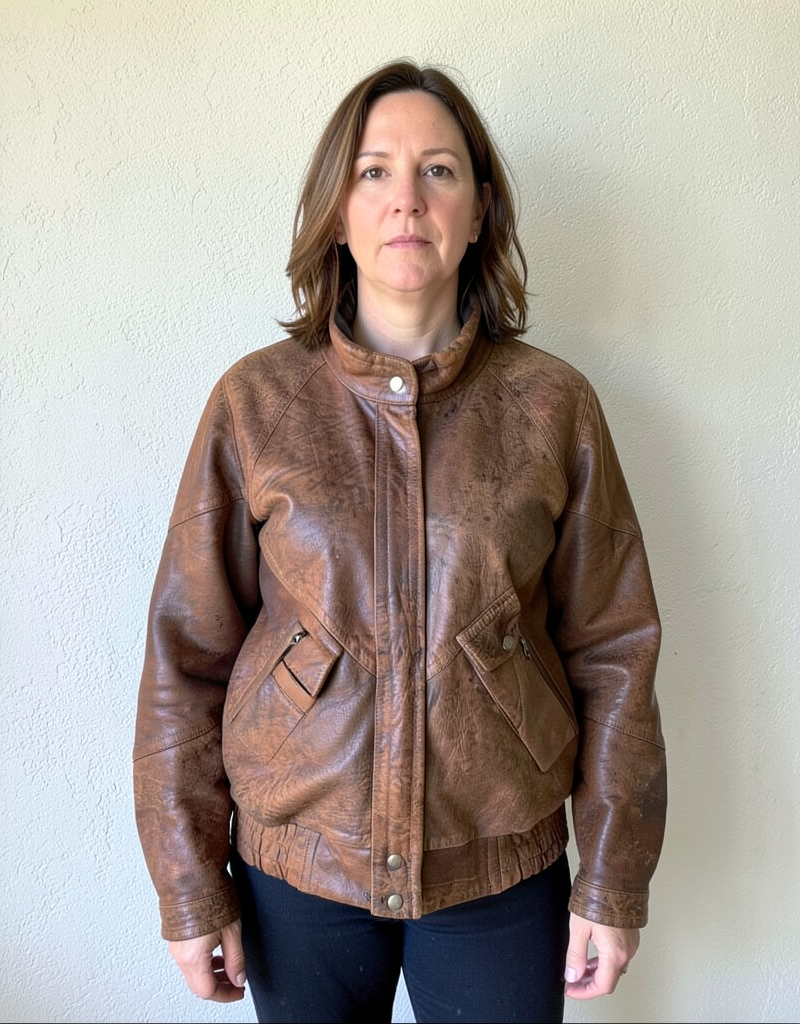
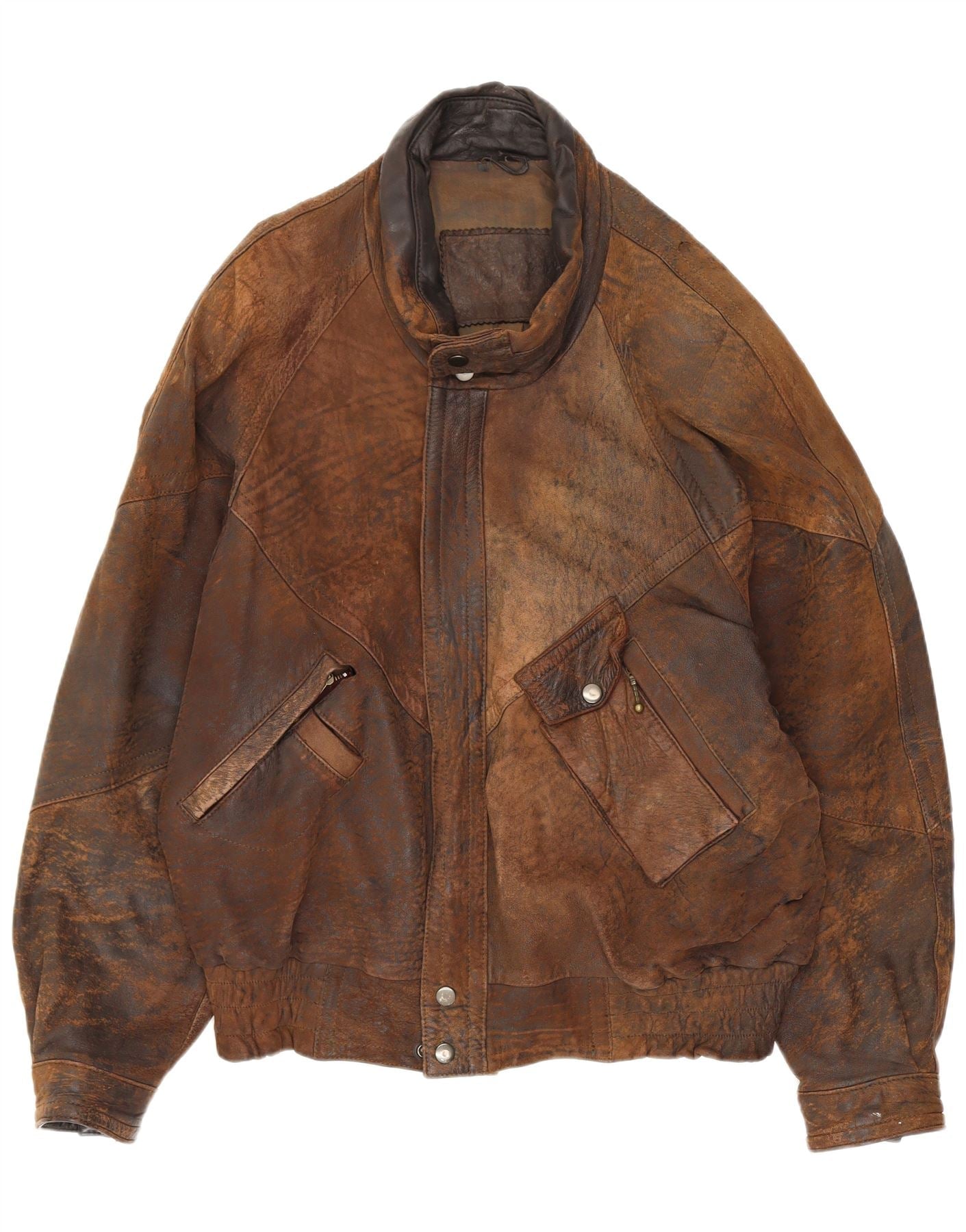 Your original photo
AI model &
mannequin photos.
Start with a flat lay. Describe the look—no reference photo needed.
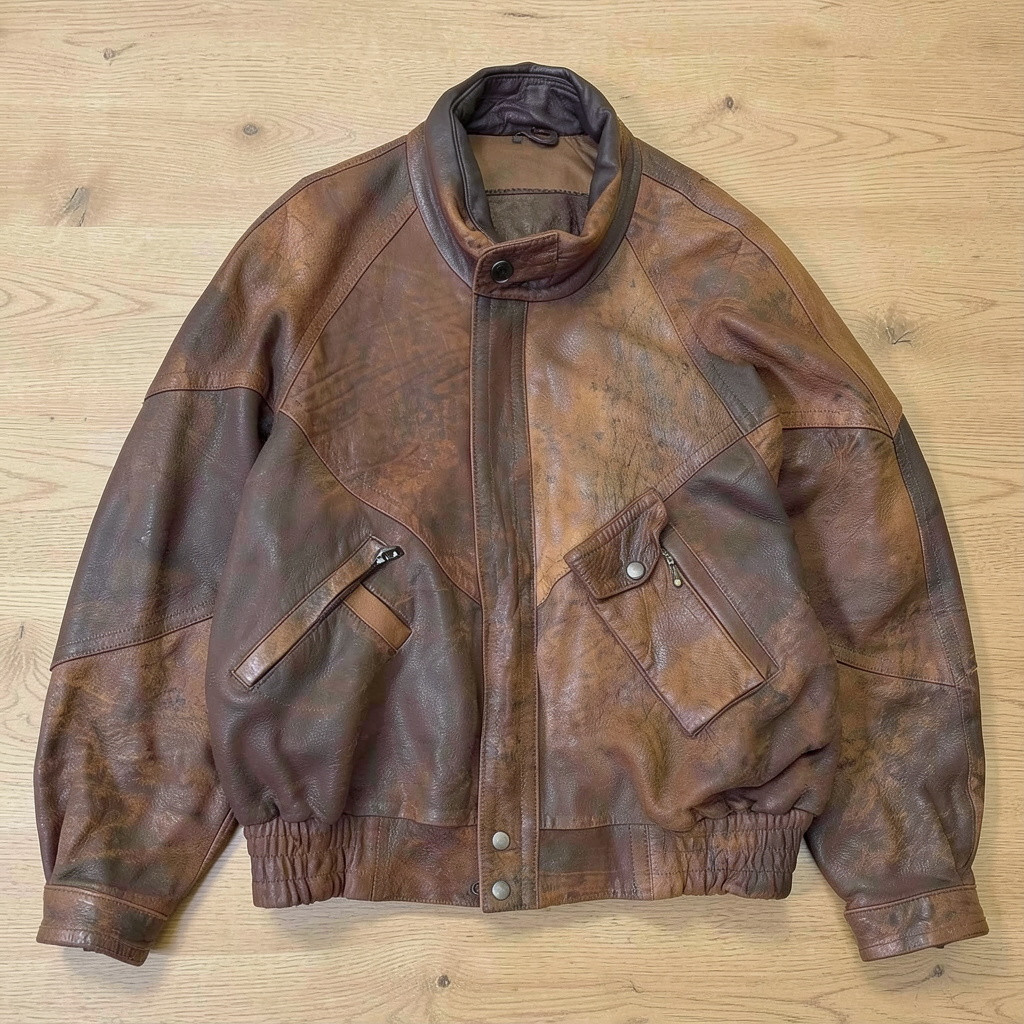
Remove backgrounds.
Or create a new one.
Choose white, transparent, or describe a new setting.
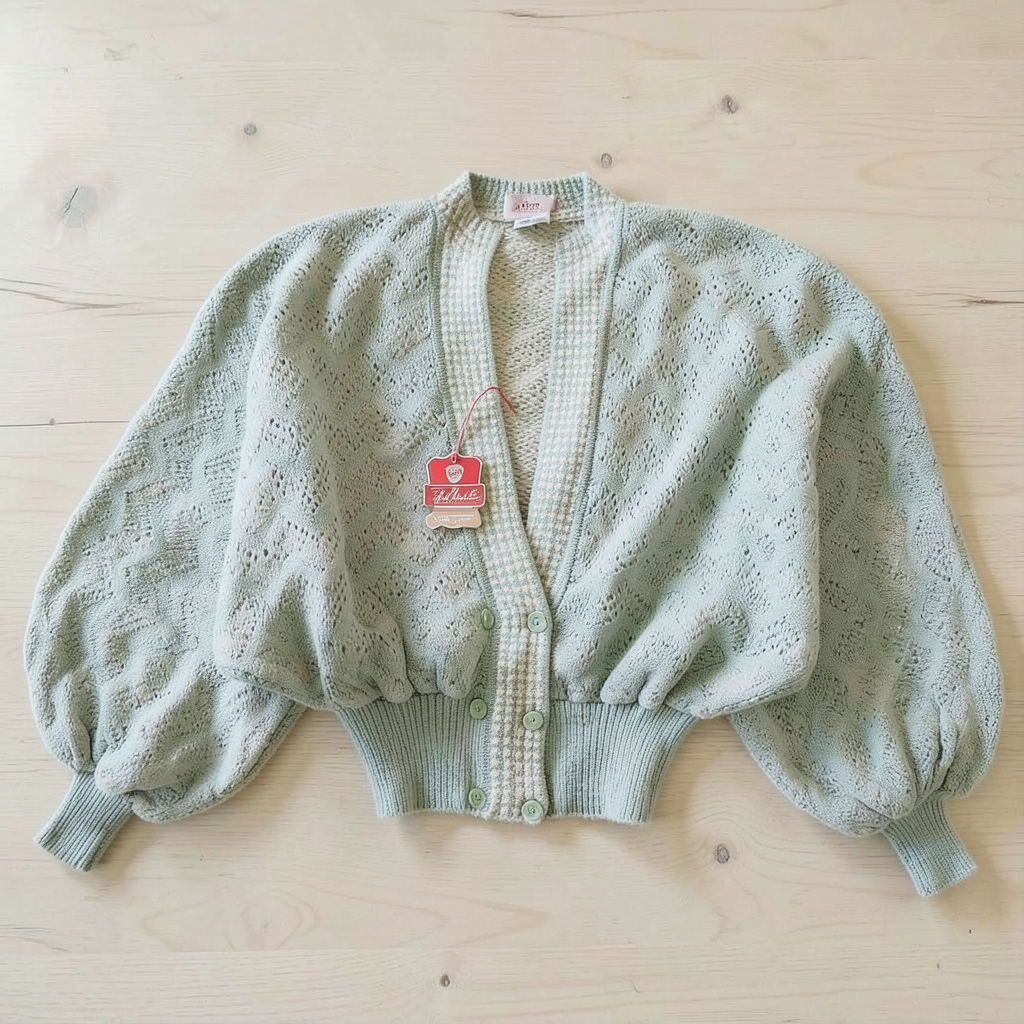
Show it in
someone’s world.
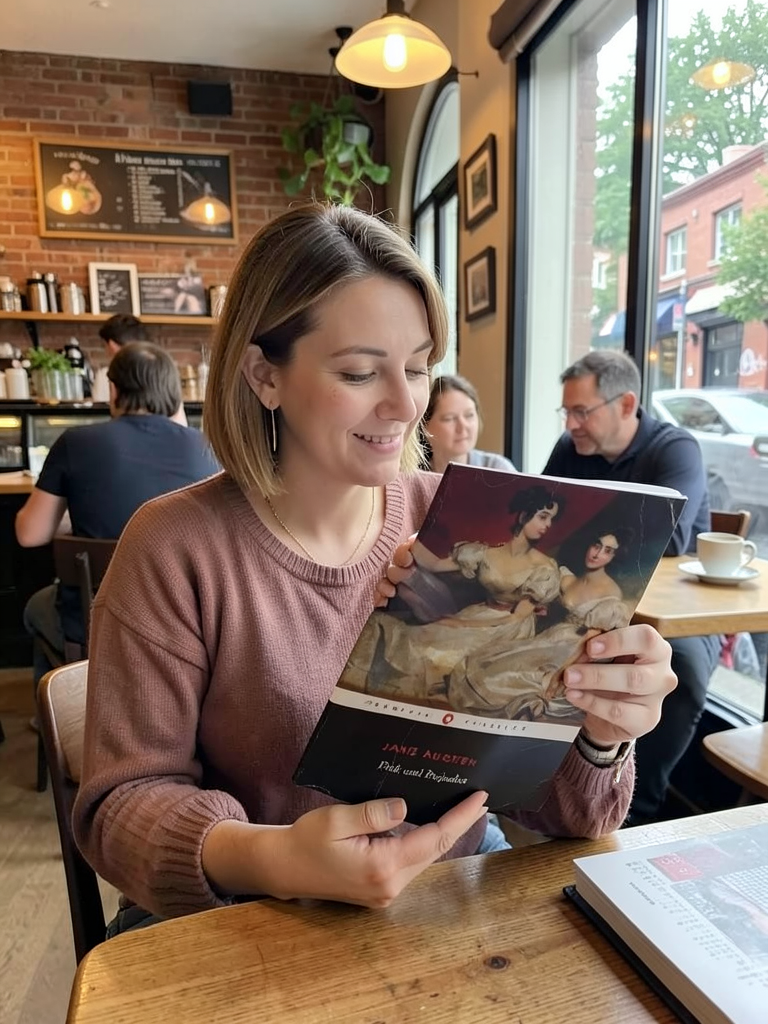
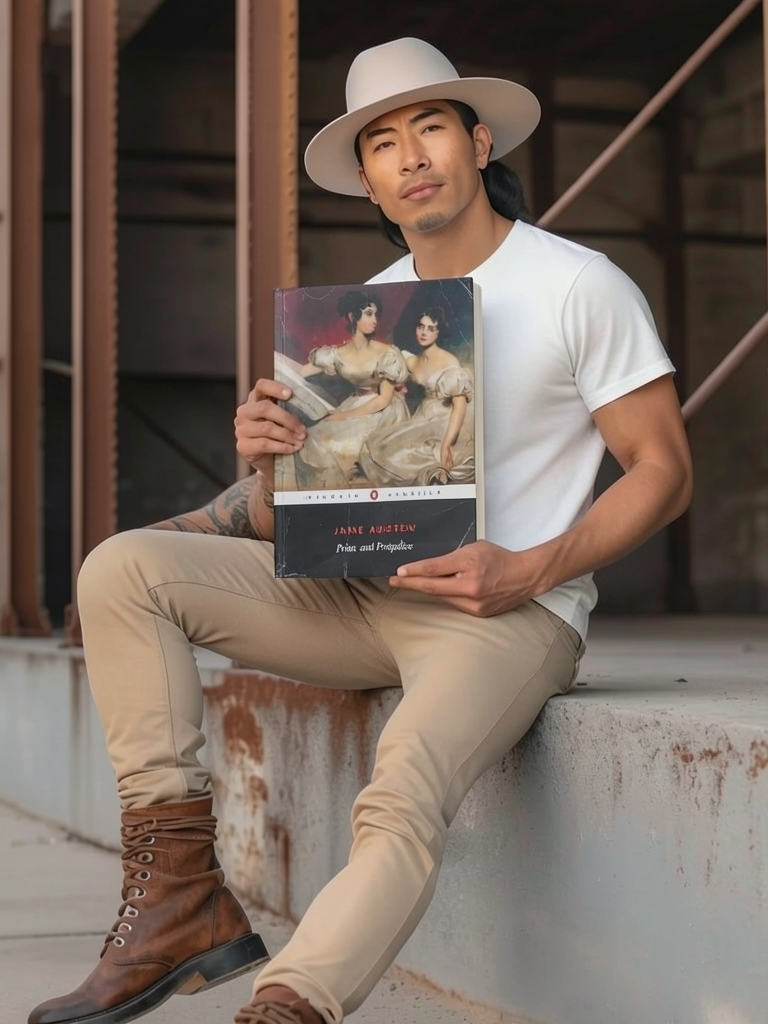
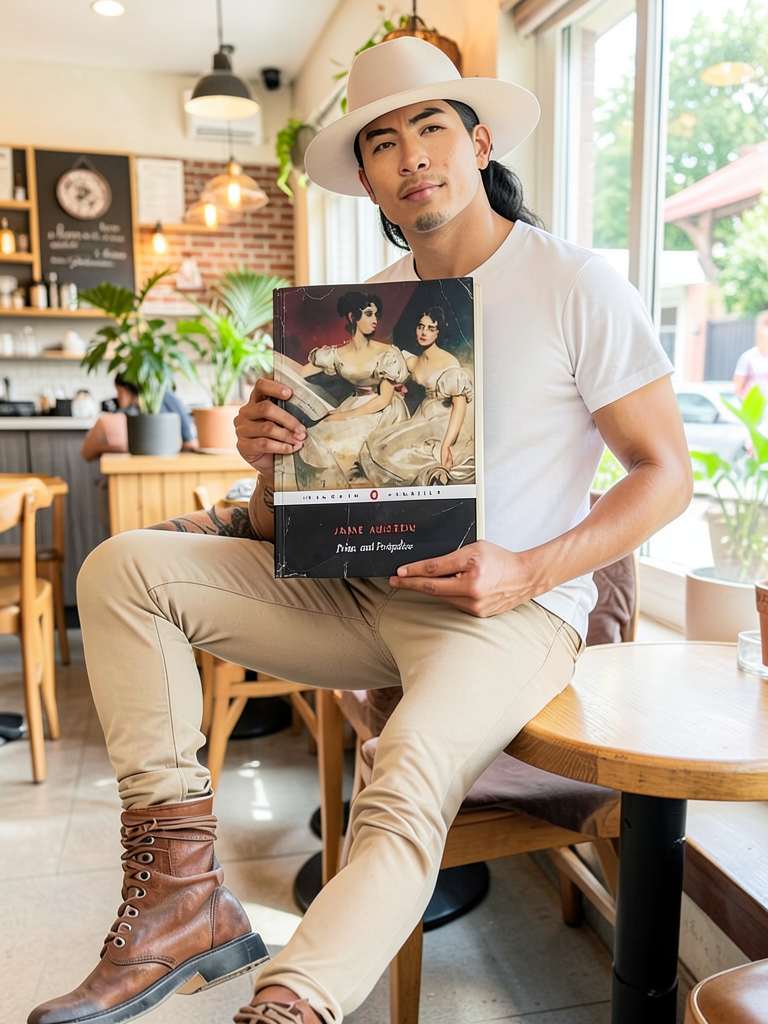
Not just clothing. Try books, accessories and other products.
“Show someone holding this book in a café.”
Try your own product →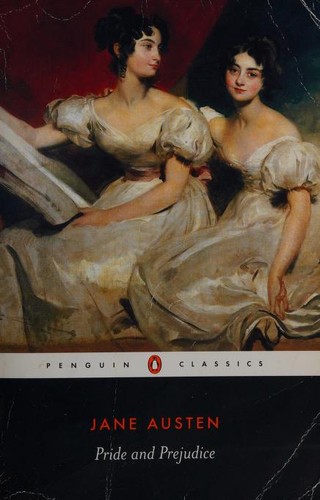
Your reference.
Your direction.
Add a reference to guide the look. Save your prompt and reference to reuse next time.
Create an on-model photo →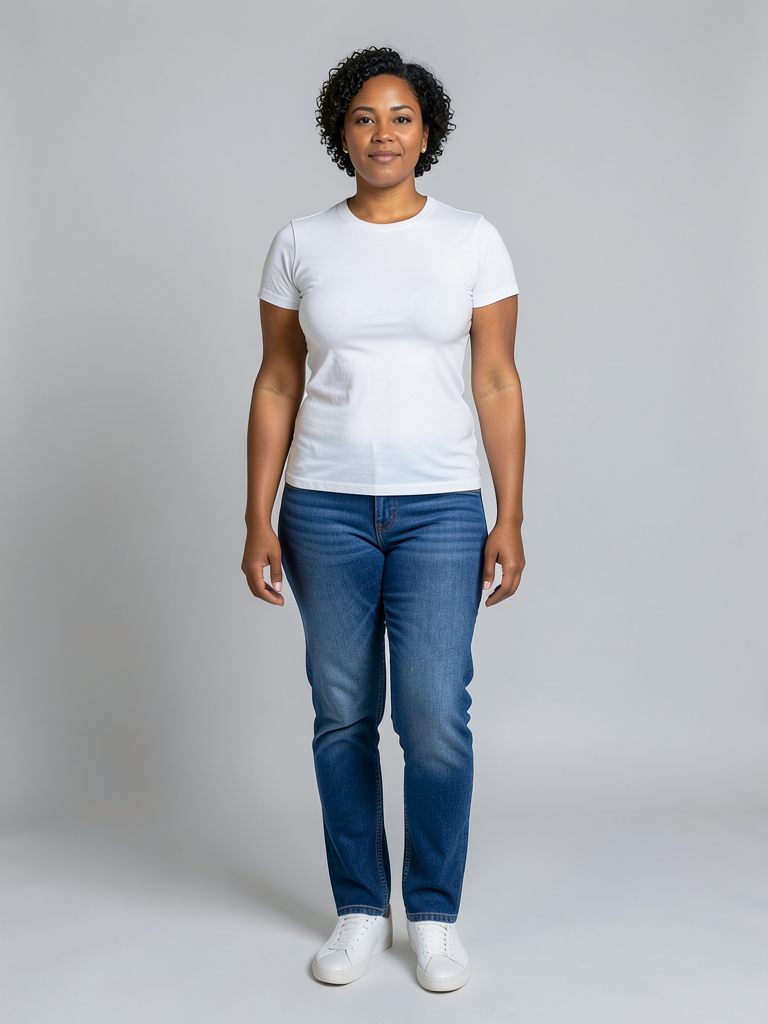
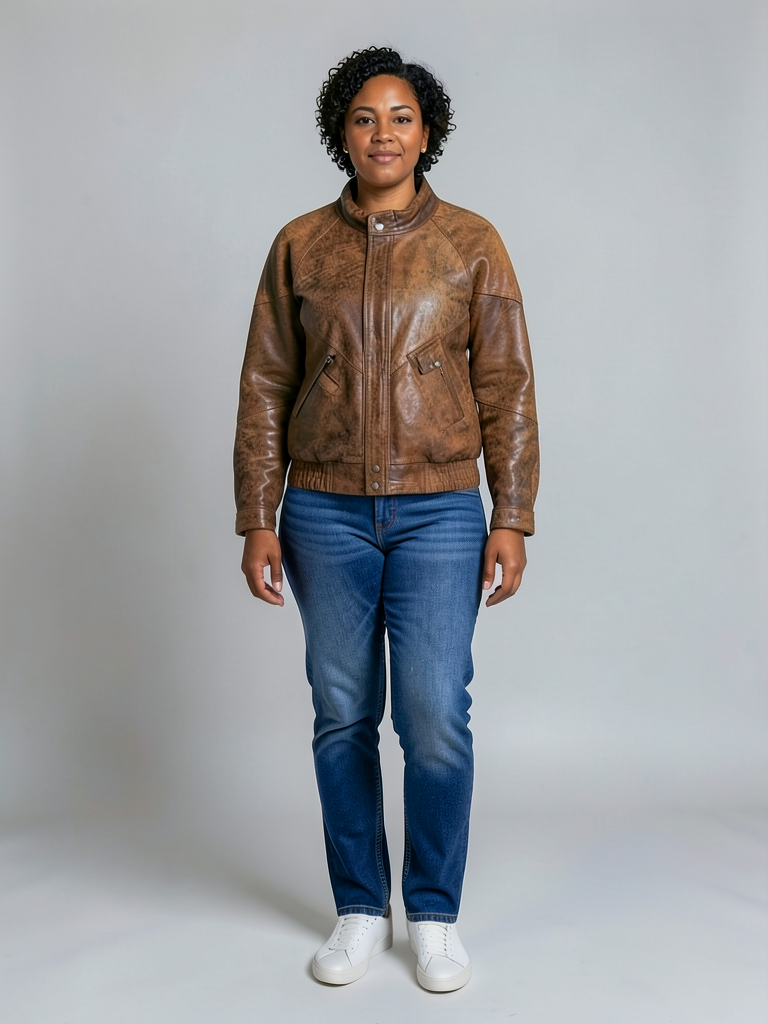
Like it?
Now make it yours.
Ask for another change. Each edit creates a new version.
Batch photo editing.
Pick. Edit. Keep.
Choose your photos.
Search by title or SKU. Select up to 20 product photos, or upload your own.
Choose an edit.
Clean backgrounds in bulk, smooth clothing, or apply one AI prompt to selected product photos.
Keep your favourites.
Review, crop individual photos, then add to your listing or download. Originals are kept.
Product photo editing FAQs.
Do I need a model reference?
No. Describe what you want, or add a reference to guide the result.
Can I edit photos on my phone?
Yes. In the FLUF app, open More → Image Editing. Choose phone photos, edit a batch, crop individual results and save to Photos.
What do edits cost?
Per photo: background removal 1 credit, smooth & remove 3, AI edits or refinements 5. Successful previews are charged even if unused. Failed edits are free.
Will this change my marketplace photos?
Not automatically. Edits save to FLUF.