
How the Whop Affiliate Programme Works: Rates, Payouts and Setup
Global and member rates, when affiliates are paid, and how to set it up as a seller.



Whop has an affiliate system built into every product page. This guide explains how it works from both sides: what you earn and when if you promote something, and what to set if you are the seller.
How Whop affiliates work
Whop’s affiliate documentation describes two rates a seller can set for each whop.
- Global affiliate rate. Paid to anyone on Whop who refers a buyer. Whop says “the default is 30%, but you can adjust it to any percentage you prefer”.
- Member affiliate rate. Paid to existing members of the whop who bring in someone new. If it is set to 0%, members earn the global rate.
A seller can also give one partner a custom deal: a percentage or a fixed amount, paid on the first payment or on recurring payments.
When do affiliates get paid?
Whop’s documentation says there is a 30-day waiting period between a referred customer’s purchase and the affiliate’s payment. That covers refunds. Whop’s developer guide gives a 30-day attribution window by default, so a buyer who clicks your link and purchases within that time counts as yours.
How to choose what to promote
- Check the rate and whether it recurs. 30% of one payment and 30% of every month are very different.
- Promote what your audience already needs. A community of people who sell online will use selling tools; a fitness group will not.
- Look at the reviews on the product’s Whop page before you put your name next to it.
- Read the refund terms. A refunded sale pays nothing.
FLUF Connect’s programme: 50%
FLUF Connect is software for people who sell products online. It puts your inventory on the sales channels you use, keeps stock in step when something sells, and brings your orders into one place. Its plans are on Whop at $9, $29 and $149 a month, with the affiliate share set to 50% for both global and member affiliates.
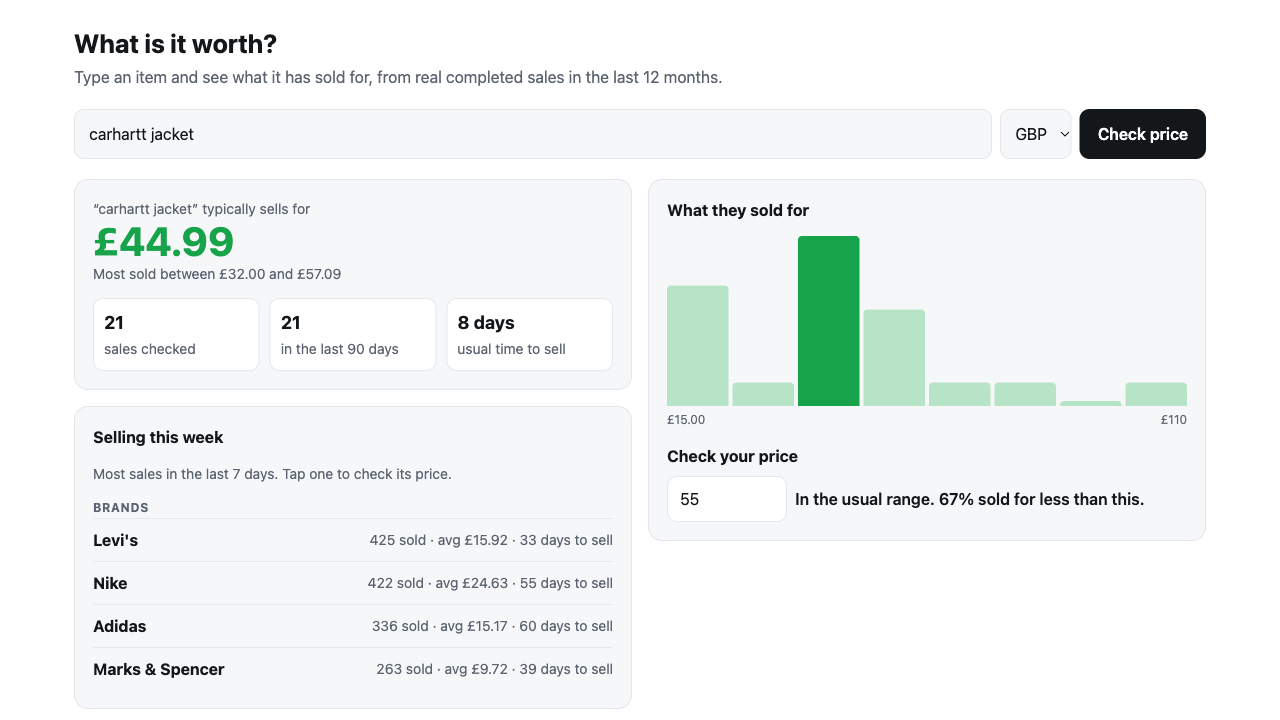
If you run a community of sellers, there is also a free FLUF price-check app you can add to your whop, so members have a reason to open it before they ever need a plan.
Setting up affiliates as a seller
- Open your Whop dashboard and go to Marketing, then Affiliates.
- Set the global rate and the member rate for each whop.
- Add custom rates for named partners where you have agreed one.
- Budget for the cost: the affiliate share comes out of the sale, and instant affiliate payouts carry a 1.25% processing charge on Whop’s fee page.
Frequently Asked Questions
Whop's documentation says the default global affiliate rate is 30%, and the seller can change it to any percentage.
It can be. For custom partner rates the seller chooses between recurring payments and first payment. Check the product's terms before you promote it.
Whop's documentation describes a 30-day waiting period between the referred customer's purchase and the affiliate's payment.
Whop's developer guide gives a 30-day attribution window by default.
Global affiliates are anyone on Whop who refers a buyer. Member affiliates are existing members of that whop. If the member rate is 0%, members earn the global rate.
The affiliate share on FLUF Connect plans is set to 50% for both global and member affiliates.
Sign up for free
Join the community
You're in.
Open your dashboard