
Crosslist from Poshmark to Whatnot — Automatically
Push your Poshmark closet onto Whatnot as Buy It Now listings, keep inventory in sync, and pre-stock your live shows without manual entry.
7 days for £1, then from £9/month.



- Poshmark: US and Canada resale marketplace; $2.95 flat fee under $15, 20% on $15+[1].
- Whatnot: live-stream shopping and Buy It Now marketplace; ~$8B GMV in 2025, $11.5B valuation, ~60% market share of live commerce across North America and Europe[2]. Seller fee approximately 9.5% bundled (platform commission + payment processing) on each transaction[3].
- ⚠️ Buy It Now only — FLUF Connect crosslists Poshmark items as Whatnot BIN listings, not into live auction shows. Whatnot’s auction format requires a live stream ID that only exists while you are broadcasting; auction inventory must be added to the show from the Whatnot seller dashboard mid-stream. The BIN inventory FLUF Connect creates is the standard pre-stock for shows.
- ⚠️ Seller approval required — Whatnot reviews and approves sellers manually before BIN listing is enabled. FLUF Connect cannot bypass that step. Once approved, the Chrome-extension connection is reusable.
- Fields that transfer automatically: title, description, photos (up to 12 — Whatnot’s BIN cap), price, brand, condition (mapped to Whatnot’s 7-point scale), category, size and shipping profile.
- Inventory sync: when an item sells on Poshmark it is delisted from Whatnot within minutes, and vice versa — including sales that close inside a live show.
- Cost: from £9/month (Starter). Every plan includes the full automation feature set.

Whatnot is the dominant live-stream auction marketplace in North America and Europe; sellers moved approximately $8 billion in GMV through the platform in 2025, and live commerce is the fastest-growing channel in resale[2]. Where Poshmark is asynchronous (list, share, wait for offers), Whatnot is synchronous — a buyer watches a 30 to 180-minute stream, sees an item held up to camera, and bids or hits Buy It Now. The two formats are complementary rather than competitive.
This pair fits three Poshmark seller profiles especially well: (1) vintage clothing sellers — Whatnot’s strongest fashion vertical, where a Y2K or 90s grail held to the camera converts far faster than the same item in a Poshmark feed; (2) sneaker resellers — Whatnot’s sneaker vertical is enormous and BIN inventory feeds drop-style shows; (3) collectibles + apparel hybrid closets — sellers who already have trading cards, Funko Pops, comics or sports memorabilia alongside their Poshmark fashion closet and want both in one feed.
If your closet is mostly contemporary mid-market fashion (Lululemon, Free People, Madewell, J. Crew), the conversion lift on Whatnot is smaller because those brands do not dominate live-show categories. The crosslist still works — there is no brand allowlist — but Whatnot makes more sense as an active show channel than as a passive BIN dump for that profile. Look at Poshmark to eBay or Poshmark to Depop first for that brand mix.
Why Sell on Both Poshmark and Whatnot?
The buyer behaviour is genuinely different. Poshmark’s roughly 80 million registered users browse passively — they save items, follow closets, accept offers, complete transactions over hours and days[1]. Whatnot’s buyers arrive ready to compete in real time; the platform created over 20 million new accounts during 2025 alone and ranked #1 in the U.S. App Store shopping category[2]. A Poshmark buyer might watch an item for a week before sending a $5-lower offer; a Whatnot buyer in a live show makes a buy-or-pass decision in five seconds.
The economics are also asymmetric. Poshmark’s 20% commission on items over $15 is one of the higher take rates in resale[1]. Whatnot bundles its platform commission and payment processing into a single fee of approximately 9.5% per transaction[3] — less than half of Poshmark’s rate at any price above $15, and roughly a quarter at the under-$15 tier where Poshmark’s flat $2.95 dominates. On a $50 sale a seller keeps $40 on Poshmark vs $45.25 on Whatnot. That margin difference matters when you are running volume.
Audience reach is the other lever. Poshmark withdrew from the UK, Australia and India in 2023 and now operates in the United States and Canada only[1]. Whatnot operates across the US, UK, Ireland, Germany and is expanding through Europe with regional team hubs in Poland[2]. A UK-based Poshmark expat seller (running on the.com TLD) gains a native UK buyer pool only by adding Whatnot or another European-active channel.
| Poshmark | Whatnot | |
|---|---|---|
| Format | Async feed-based | Live-stream auction + Buy It Now |
| Registered users | ~80M (US + CA)[1] | 20M+ new accounts in 2025 alone; #1 US App Store shopping app[2] |
| GMV (latest reported year) | Not publicly disclosed | ~$8B in 2025; $3B in 2024[2] |
| Top markets | United States, Canada | United States, United Kingdom, Germany, Ireland, growing EU[2] |
| Strongest categories | Contemporary women’s apparel, denim, shoes | Trading cards, sneakers, vintage clothing, sports memorabilia, comics, Funko Pops, vinyl[3] |
| Seller fees | $2.95 flat <$15 / 20% on $15+[1] | ~9.5% bundled (commission + payment processing)[3] |
| Seller approval | Open signup | Manual application; days to weeks[3] |
| Listing format | 16 photos, 80-char title, 3 style tags | Up to 12 photos on BIN, structured per-category attributes, optional live-show inclusion |
| Authentication | Posh Authenticate above $500 | Authenticity Guarantee on high-value cards, sneakers, watches |
Poshmark sellers who add Whatnot as a second channel typically see the biggest revenue uplift on their vintage and collectible inventory — items that benefit most from the show-and-tell format. A 90s denim jacket that sits at $48 on Poshmark for three weeks might sell for $65 in a 60-second auction segment on a vintage show. That uplift is not realised by simply pushing BIN listings; it requires running shows. But the BIN inventory is the prerequisite — it is what you load into the show.
Push your Poshmark closet to Whatnot as Buy It Now inventory — pre-stocked for your next show.
Buy It Now vs Live Shows — What FLUF Connect Actually Pushes
This is the most-asked question about the Poshmark to Whatnot pair, and the honest answer matters. Whatnot has two parallel inventory states: Buy It Now (BIN) listings that sit in your seller dashboard at a fixed price waiting for a buyer, and auction lots that exist only inside a specific live stream while you are broadcasting.
FLUF Connect creates BIN listings. Auction lots cannot be created from outside Whatnot because they are scoped to a live stream ID that the platform issues only while you are on air. Any tool that claims to populate Whatnot auctions ahead of time is either misrepresenting what it does or driving you to a manual import step on Whatnot’s side.
What actually happens in practice for sellers who run shows:
- You crosslist a batch of Poshmark items to Whatnot via FLUF Connect — the items appear as BIN listings in your Whatnot seller dashboard.
- Before a show, you open the Whatnot seller dashboard, scroll through your BIN inventory, and tag the items you want to include in the upcoming show. Whatnot pulls photo, title, brand and condition straight from the BIN listing into the show lot.
- During the show, items either sell at auction (auction lot) or by buyer hitting Buy It Now in the show feed. Whatnot reports both back to the same inventory record.
- FLUF Connect’s sync sees the sold status and ends the Poshmark listing within minutes — regardless of whether the sale closed in a live show or as a passive BIN buy.
For sellers who do not run shows, BIN listings still convert organically — Whatnot’s BIN feed has its own browse traffic and Whatnot’s recommendation engine surfaces BIN inventory to viewers between shows. The crosslist is worth doing either way; it is just more valuable when paired with show scheduling.
How to Crosslist from Poshmark to Whatnot with FLUF Connect
1. Sign Up to FLUF Connect
Create an account at fluf.io/connect. Starter at £9/month, with no cap on how much you list. Every plan includes the full automation feature set.
2. Apply for and Get Approved as a Whatnot Seller
If you do not already sell on Whatnot, apply at whatnot.com — the seller-onboarding flow asks for category, sample inventory photos and (depending on category) ID verification. Approval takes anywhere from a few days to a few weeks. You cannot crosslist until your Whatnot account has BIN listing enabled. This is a Whatnot-side step that no tool can shortcut.
3. Connect Your Poshmark Account
Install the FLUF browser extension, sign in to Poshmark and select the correct country — US or Canada — during connection. Your closet then imports into FLUF.
4. Connect Your Whatnot Account
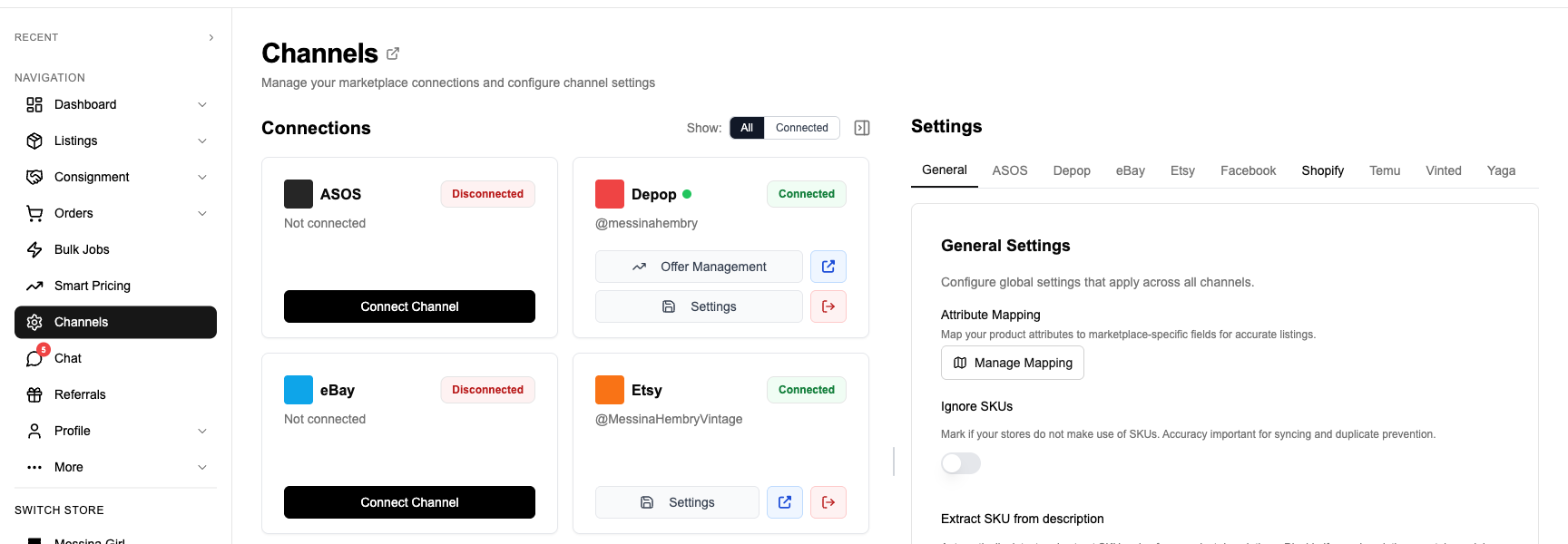
Open Channels in FLUF and select Connect Whatnot. Sign in to Whatnot and follow the FLUF browser extension’s connection steps. Keep the extension connected when publishing.
5. Select Items to Crosslist
Filter your Poshmark closet by brand, category, age, price or recently relisted. For first-time setup, the Whatnot-strongest filter (vintage, sneakers, collectibles, denim) gives the highest expected lift; for ongoing operation, an automation rule lets new Poshmark listings push to Whatnot continuously without manual selection.
6. Review Field Mapping
FLUF Connect previews each Whatnot BIN listing before publish. Title carries across (Whatnot allows long titles, so Poshmark’s 80-char title fits with room for keyword expansion). Description transfers verbatim. Up to 12 photos transfer (Whatnot’s BIN cap is lower than Poshmark’s 16 — the lowest-priority shots are dropped, primary cover always retained). Brand maps to Whatnot’s brand attribute. Condition maps from Poshmark’s 5-point scale (NWT, NWOT, EUC, VGUC, GUC) to Whatnot’s 7-value enum (New With Tags, New without Tags, New with Defects, Pre-owned – Excellent, Pre-owned – Good, Pre-owned – Fair, Pre-owned – Damaged) — see the table in the next section for exact mapping. Category is routed into Whatnot’s per-vertical taxonomy.
7. Pick or Confirm Shipping Profile
Whatnot uses shipping profiles (rates, weight bands, handling time) at the seller account level rather than per-listing flat rates the way Poshmark does. FLUF Connect picks your default Whatnot shipping profile automatically on first crosslist; you can override per-item if you have multiple profiles (for example, separate profiles for jewellery vs jackets).
8. Crosslist
Tick items, click Crosslist to Whatnot. Listings appear in your Whatnot seller dashboard within minutes, ready to either sit as BIN or be added to your next live show.
9. Inventory Syncs Automatically
When a buyer purchases on Poshmark, FLUF Connect ends the Whatnot BIN listing within minutes — and removes it from any show lots it has been tagged for. When Whatnot wins the sale (whether through BIN or through a show), the Poshmark listing comes down. The sync is event-driven, so a sale during a live show propagates to Poshmark before the show ends.
What Transfers When You Crosslist from Poshmark to Whatnot
| Poshmark Field | Whatnot Field | Transfer Status | Notes |
|---|---|---|---|
| Title (up to 80 chars) | Title | ✅ Automatic | Whatnot allows longer titles, so nothing is truncated. Keyword expansion is optional. |
| Description | Description | ✅ Automatic | Plain-text carries across verbatim. Whatnot does not render Poshmark hashtags as tags. |
| Photos (up to 16) | Photos (up to 12) | ⚡ First 12 transfer | Cover photo always preserved. Photos 13–16 (if present) are dropped on a least-recently-added basis. |
| Cover photo | Primary image | ✅ Automatic | Poshmark cover_shot becomes Whatnot primary image. |
| Price (USD) | Price (USD) | ✅ Automatic | Whatnot transactionType is set to BUY_IT_NOW; auction lots cannot be created from outside the platform. |
| Quantity | Quantity | ✅ Automatic | Defaults to 1 — Poshmark treats every closet item as a one-off. |
| Brand | Brand attribute | ✅ Automatic | No allowlist — any brand crosslists. Resolved via Whatnot’s brand catalogue lookup. |
| Size | Size attribute (per-category enum) | ⚡ Mapped | Poshmark size sets translate to Whatnot’s per-vertical size systems (clothing, shoes, etc.). |
| Condition (5-point Poshmark) | Condition (7-value Whatnot enum) | ⚡ Mapped | NWT→New With Tags; NWOT→New without Tags; EUC→Pre-owned – Excellent; VGUC→Pre-owned – Good; GUC→Pre-owned – Fair. Damaged maps from explicit Poshmark damage notes. |
| Colour (Poshmark 15-colour palette) | Colour attribute (if category exposes it) | ⚡ Mapped | Some Whatnot verticals expose colour as a structured attribute; others do not — colour falls into description on those categories. |
| Department + Category + Subcategory | Whatnot category leaf | ⚡ Smart mapped | Routed into Whatnot’s vertical-first taxonomy (Apparel, Sneakers, Cards, etc.). |
| Style tags (Poshmark 3-tag limit) | — | ❌ Not present | Whatnot does not have a style-tag field; tags are appended to description if useful. |
| — | Shipping profile | ⚠️ Account default | Whatnot uses account-level shipping profiles; FLUF picks your default automatically. |
| — | SKU | ⚠️ Auto-generated | FLUF assigns a Whatnot SKU from your FLUF product ID for cross-channel reconciliation. |
| — | Hazmat type | ⚠️ Defaults to none | Required by Whatnot’s API; defaults to non-hazmat for fashion items. |
| — | Show inclusion | ❌ Manual on Whatnot | Adding a BIN listing into a live show is done in the Whatnot seller dashboard mid-stream; this cannot be automated externally. |
Legend: ✅ Automatic. ⚡ Mapped. ⚠️ Default applied or auto-generated. ❌ Not available.
Condition Mapping in Detail
Whatnot’s condition enum is one of the more nuanced in resale because it accommodates both fashion (used-fair, used-good) and collectibles (mint, near-mint via the BIN brand fields rather than condition). For fashion crosslists from Poshmark, FLUF Connect uses this exact lookup:
| Poshmark Condition | Whatnot Condition |
|---|---|
| NWT (New With Tags) | New With Tags |
| NWOT (New Without Tags) | New without Tags |
| EUC (Excellent Used Condition) | Pre-owned – Excellent |
| VGUC (Very Good Used Condition) | Pre-owned – Good |
| GUC (Good Used Condition) | Pre-owned – Good |
| Fair (where indicated in description) | Pre-owned – Fair |
| Damaged (where indicated in description) | Pre-owned – Damaged |
| Anything else | Pre-owned – Good (safe default) |
Category Mapping Examples
| Poshmark Path | Whatnot Path |
|---|---|
| Women > Tops > T-Shirts (Brandy Melville) | Apparel > Womens Fashion > Tops > T-Shirts |
| Men > Shoes > Sneakers (Nike Air Jordan) | Sneakers > Mens > Basketball > Air Jordan |
| Women > Dresses > Mini (vintage) | Review the Whatnot category and any vintage details before publishing. |
| Women > Jackets & Coats > Denim Jackets | Apparel > Womens Fashion > Outerwear > Denim Jackets |
| Other > Toys > Figures (Funko Pop) | Toys & Collectibles > Funko Pop > (vertical-specific) |
Inventory Sync Between Poshmark and Whatnot — What Stays in Sync?
| Event | What Happens | Timing |
|---|---|---|
| Item sells on Poshmark | Whatnot BIN listing taken down automatically; also removed from any live-show lot it has been tagged into | Within minutes |
| Item sells on Whatnot via BIN | Poshmark listing taken down automatically | Within minutes |
| Item sells on Whatnot inside a live show | Poshmark listing taken down automatically — show sales are reported through the same inventory record | Within minutes |
| Item added to upcoming Whatnot show | Poshmark listing stays live — BIN and show inclusion coexist until one closes the sale | — |
| Price changed on Poshmark | Not synced — Whatnot pricing often follows show-format dynamics (lower start, higher final) different from Poshmark | — |
| Description edited on Poshmark | Not synced — Whatnot listings benefit from category-specific keyword choices | — |
| Item deleted on Poshmark | Whatnot BIN listing deleted on next sync cycle | Within hours |
| Whatnot BIN listing manually edited in seller dashboard | FLUF Connect leaves the edited fields alone on next sync — no clobber | — |
The unique part of Whatnot sync compared to other channels is that an item can transition from BIN to show-lot mid-broadcast. FLUF Connect tracks the underlying inventory record, not the BIN listing per se, so a sale that closes during a live show — auction or show-BIN — still triggers the Poshmark delist within minutes. If you finish the show and untag the item (it did not sell during the broadcast), the BIN listing returns to passive status and both channels stay live.
Crosslisting from Poshmark to Whatnot: Before and After FLUF Connect
Without FLUF Connect (Manual)
- Open Poshmark listing in one browser tab; open Whatnot seller dashboard in another.
- Save all 16 Poshmark photos individually.
- Click Create Listing on Whatnot.
- Upload up to 12 photos (choose which to drop).
- Type the title — keyword-optimised for Whatnot search.
- Paste and edit the description.
- Pick the Whatnot category leaf from the picker.
- Pick brand from Whatnot’s brand catalogue search.
- Pick size from per-category size enum.
- Pick condition from 7-value enum.
- Pick or confirm shipping profile.
- Set price.
- Publish as BIN.
- Record the Whatnot listing URL in a spreadsheet for cross-channel reconciliation.
- When the item sells on Poshmark: manually navigate to Whatnot seller dashboard and end the listing before any buyer can hit BIN.
Time per item: 10–15 minutes. Time per 50 items: 8–12 hours. Time saved running an unscheduled live show on the inventory: zero — you have to do it twice.
With FLUF Connect
- Filter your Poshmark closet for Whatnot-strong inventory (vintage, sneakers, denim, collectibles).
- Tick items, click Crosslist to Whatnot.
- Review the previews — brand, condition, category, shipping profile all pre-filled.
- Confirm.
- Done. BIN listings live in minutes; inventory sync is automatic from there.
Time per item: about 45 seconds. Time per 50 items: under an hour. Time freed up: enough to schedule and run a 90-minute Whatnot show with the inventory you just pushed.
Automation Features for Poshmark and Whatnot Sellers
Auto-Crosslisting Rules — Show-Stocking Friendly
Set rules so new Poshmark listings in defined brands or categories crosslist to Whatnot automatically as BIN. Typical setups include: “all vintage tagged items”, “all sneakers above $50”, “all denim from brands [Levi’s, Wrangler, Lee]”, “all collectibles”. This keeps your Whatnot BIN inventory continuously stocked so you always have material to pull into shows.
Bulk Operations
Apply find-and-replace across both Poshmark titles and Whatnot titles in one pass — useful when you decide to rename a recurring product family (“vintage tee” → “90s tee”) for SEO. Adjust prices by percentage across either side independently — Whatnot’s lower fee structure often justifies a 5–10% price drop on the Whatnot side without hurting margin. See FLUF Bulk Operations.
Offer Management on Poshmark
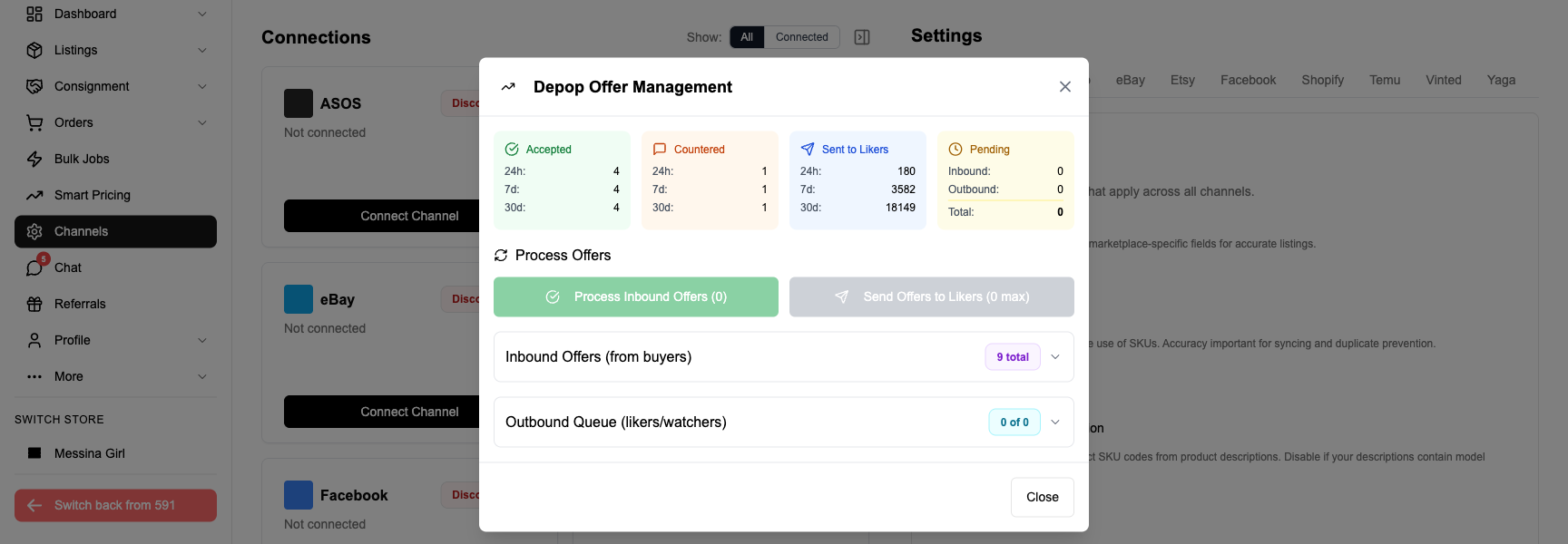
Whatnot does not use Poshmark-style offer flows on BIN (price is price). FLUF Connect handles Poshmark-side offer management — send 10% off to anyone watching for 48 hours, drop prices on stale inventory, accept thresholds automatically. See FLUF Offer Management.
Relisting Cadence
Poshmark rewards frequent sharing and relisting; Whatnot rewards show frequency. FLUF Connect’s auto-relisting keeps your Poshmark side fresh while you focus the live-show effort on the Whatnot side; the two cadences are independent and do not interfere with each other.
Feature Support Per Channel
| Feature | Poshmark | Whatnot |
|---|---|---|
| Crosslisting (BIN) | ✅ | ✅ |
| Crosslisting into live auction | N/A | ❌ Must be done on Whatnot |
| Auto-relisting | ✅ Posh Sharing | BIN-feed driven; no algorithmic refresh |
| Offer management | ✅ | BIN does not support offers |
| Inventory sync (across BIN and shows) | ✅ | ✅ |
| Order sync (into Shopify) | Roadmap | ✅ |
| Bulk operations | ✅ | ✅ |
| Authentication routing | Posh Authenticate above $500 | Whatnot Authenticity Guarantee on eligible categories |
How Much Does It Cost to Crosslist from Poshmark to Whatnot?
| Plan | Monthly | Crosslisted products |
|---|---|---|
| Starter | £9/month | Unlimited |
| Pro | £29/month | Unlimited |
| Super Seller | Custom pricing — tell us what you need | Unlimited |
Whatnot’s approximately 9.5% bundled commission and Poshmark’s 20% (or $2.95 flat) are billed by each platform independently. The economic case for the pair is simple: Whatnot’s lower take rate combined with the conversion lift on vintage and collectible inventory typically recovers the FLUF Connect monthly cost on the first one or two crosslisted sales. Sellers who actively run shows on the crosslisted inventory recover it on the first show.
Start crosslisting Poshmark to Whatnot today — pre-stock your next live show in minutes.
Related Guides
- Crosslist from Poshmark to eBay — for any brand, fixed-price feed audience
- Crosslist from Poshmark to Depop — for Y2K, vintage and streetwear
- Crosslist from Whatnot to Depop — push Whatnot BIN inventory onto Depop
- Crosslist from Depop to Whatnot — feed Depop closet into Whatnot shows
- How to Sell on Poshmark
- How to Sell on Whatnot
- Crosslisting Hub
- How to Sell Vintage Clothing
- Whatnot vs Poshmark — 20% against 11%, and two countries against ten
Sources & Verification
- Poshmark seller fees and US/CA-only operation: Poshmark fees 2026 (voolist.com), TechCrunch — Poshmark international closures.
- Whatnot GMV, valuation, market share and category data: Whatnot — Wikipedia, reporting roughly $8B in 2025 GMV, $11.5B valuation following the Series F round, ~60% live-commerce market share across North America and Europe, and 20M+ new accounts created in 2025.
- Whatnot seller fee structure (~9.5% bundled commission + payment processing) and top categories: Whatnot fees 2026 (voolist.com), summarising the platform’s combined seller-fee rate, manual seller-approval requirement and strongest categories (trading cards, sneakers, vintage clothing, sports memorabilia, comics, collectible toys, vinyl).
Frequently Asked Questions
No. FLUF Connect creates Whatnot Buy It Now (BIN) listings from your Poshmark closet. Whatnot's auction format requires a live stream ID that only exists while you are broadcasting, so it cannot be populated by an external tool ahead of time. The standard workflow is: crosslist to Whatnot BIN, then add specific BIN items into a live show from the Whatnot seller dashboard while you are on air. This still removes 95%+ of the manual data entry, because the photos, title, description, category, condition and shipping profile are already on the listing.
Yes. Whatnot has a manual seller-application step that can take days to a few weeks. FLUF Connect cannot bypass that — you must be an approved Whatnot seller with the ability to create BIN listings before the connection works. Once you are approved, sign in to Whatnot once in the FLUF Connect Chrome extension and the connection is reusable.
Yes. When Whatnot reports a BIN sale, FLUF Connect ends the matching Poshmark listing within minutes so the item is not double-sold. The same happens in reverse when a Poshmark buyer wins the item — the Whatnot BIN listing is removed.
If you move a BIN listing into a live show and it sells in the show, Whatnot reports it as sold through the same inventory record. FLUF Connect picks up the sold status on the next sync and ends the Poshmark listing automatically. There is no different workflow for live-show sales vs BIN sales as far as cross-channel inventory sync is concerned.
At low price points Whatnot is cheaper. A $10 sale costs $2.95 (29.5%) on Poshmark vs $0.95 (9.5%) on Whatnot. At $100, Poshmark takes $20 (20%); Whatnot takes $9.50. Whatnot's bundled rate of approximately 9.5% — covering platform commission and payment processing — is one of the more economical fees in resale, but it is offset by the live-show production time some sellers invest to drive volume. For sellers who only list BIN without shows, Whatnot still works as a cheaper relisting channel.
Whatnot's strongest categories are trading cards, sneakers, vintage clothing, sports memorabilia, comics, collectible toys, Funko Pops and vinyl. General contemporary fashion still works as BIN — there is no brand allowlist — but conversion can be slower than on Poshmark for non-collectible items, because Whatnot's buyer base browses live shows more than the BIN feed. Crosslisting the eligible slice (vintage clothing, sneakers, collectibles) gives the strongest uplift.
Whatnot does not authenticate every item the way Vestiaire Collective does. For high-value collectibles (cards, sneakers, watches above certain thresholds) Whatnot routes the item through its Authenticity Guarantee programme, where the platform verifies the item before it ships to the buyer. For most BIN inventory the seller ships directly. Poshmark uses Posh Authenticate above $500. FLUF Connect's crosslist passes the condition and brand fields through so both platforms can route items into authentication automatically where it applies.
Yes — that is the recommended setup. While the BIN listing is the source of truth for inventory sync, both Poshmark and Whatnot BIN can remain live simultaneously. The moment one sells, the other comes down. If you add a BIN listing into a Whatnot live show, the BIN listing stays in the seller dashboard and the Poshmark listing stays live as long as the item is unsold.
FLUF Connect starts at £9/month for the Starter plan (unlimited listings) with the full automation feature set. Most Poshmark sellers running Whatnot shows recoup the cost on the first crosslisted sale, because manual BIN listing entry typically runs 10–15 minutes per item on Whatnot.