 FLUF Connect
Connessione di Vestiaire Collective a FLUF Connect
Vestiaire Collective è la piattaforma mondiale leader per articoli usati di lusso, che copre abiti firmati, borse, scarpe e accessori. Connetti il tuo account utilizzando Estensione FLUF Utility per Google Chrome.
Prerequisiti
- Conto venditore attivo di Vestiaire Collective
- Google Chrome
- Estensione FLUF Utility per Google Chrome (installata durante la connessione)
Passi per la connessione
Passo 1: Apri il modal di connessione
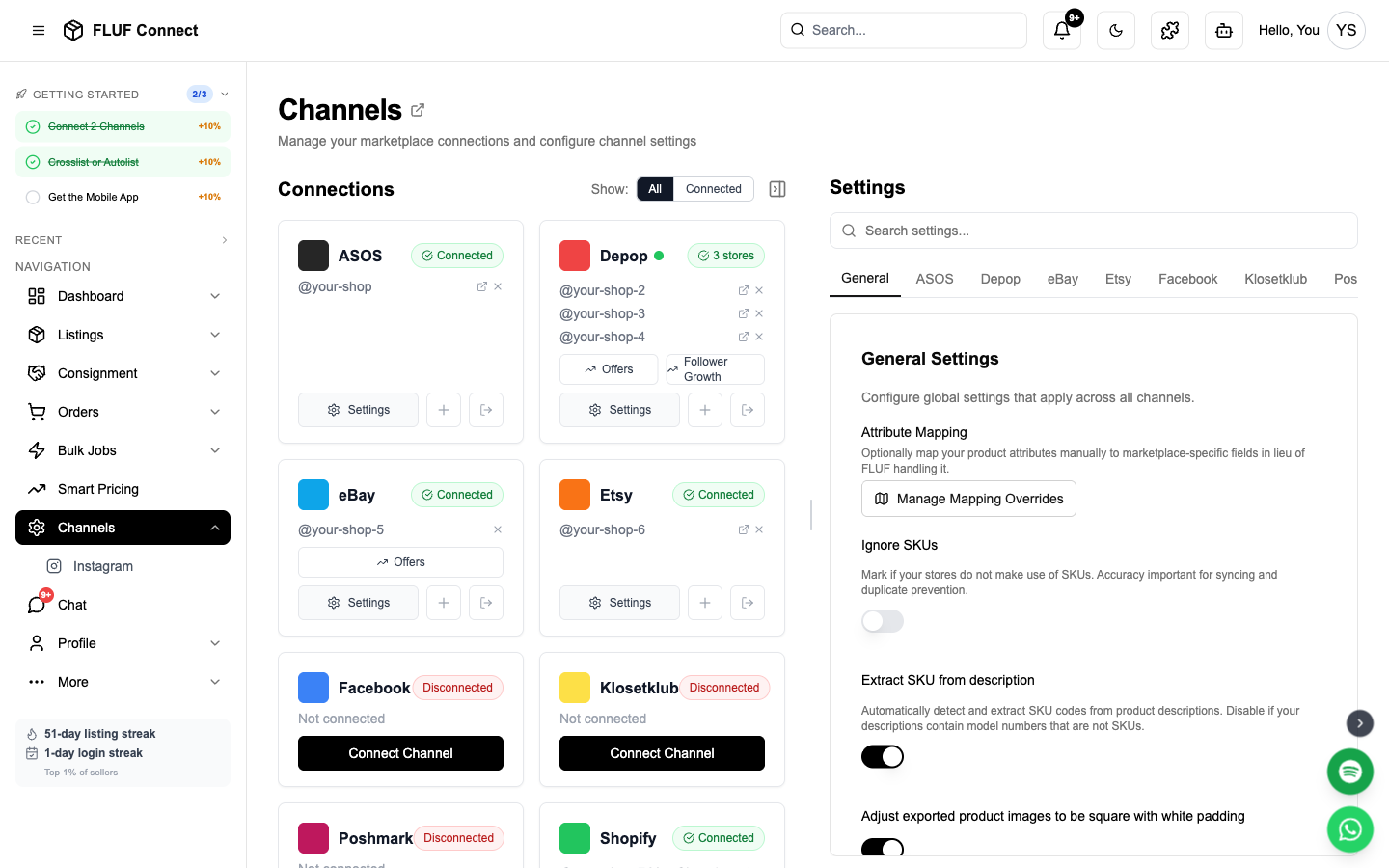
- Naviga verso Connessione → Canali
- Clicca su Aggiungi canale e seleziona Vestiaire Collective
Passo 2: Installa l'estensione Chrome FLUF Utility
- Clicca su Installa l'estensione Chrome se non l'hai già installata
- Sarai reindirizzato verso il negozio web di Chrome
- Clicca su Aggiungi a Google Chrome
- Conferma l'installazione dell'estensione
- Torna alla finestra FLUF Connect
Passo 3: Accedi a Vestiaire Collective
- Clicca su Apri Vestiaire Collective il pulsante nella finestra di connessione
- Una nuova scheda di Google Chrome si aprirà con vestiairecollective.com
- Accedi al tuo account Vestiaire Collective in questa nuova scheda
- Torna alla finestra FLUF Connect
Passo 4: Connetti
- Clicca su Connetti con l'estensione Chrome
- FLUF rileverà automaticamente la tua sessione su Vestiaire
- Una volta rilevata, la connessione si completerà automaticamente
Consiglio: Assicurati di essere connesso a Vestiaire Collective nello stesso browser Chrome dove è installata l'estensione.
Dopo la connessione
Una volta connesso, puoi:
- Crosslist i tuoi prodotti su Vestiaire Collective dalla pagina delle elencate
- Visualizza il tuo guardaroba — le tue esistenti elencazioni Vestiaire saranno indice e mostrate nel tuo pannello FLUF
- Segnala gli ordini — le vendite su Vestiaire appaiono nella tua pagina degli Ordini accanto a quelle di altri canali
Come funziona Vestiaire
- Punto di forza della lusso — Vestiaire si specializza in articoli di design e lusso. Tutte le elencazioni vengono esaminate da parte di Vestiaire prima di essere pubblicate.
- Elencazioni singolo prodotto — Ogni prodotto è un'elencazione unica (nessun varianti o quantità in magazzino)
- Autenticazione — Gli articoli di maggiore valore passano per il processo di autenticazione di Vestiaire per verificare l'autenticità
- Prezzi — Vestiaire preleva una commissione su ogni vendita. I guadagni del venditore sono mostrati al momento dell'elencazione.
Risolvere i Problemi
Estensione non rilevata
- Assicurati che l'estensione FLUF Utility Chrome sia installata e abilitata
- Prova a ricaricare la pagina FLUF Connect
- Controlla che le estensioni Chrome non siano disabilitate nelle impostazioni del tuo browser
Connessione fallita dopo il login
- Assicurati di essere connesso a Vestiaire Collective in Chrome (non in un altro browser)
- Prova a effettuare il logout e il login nuovamente su Vestiaire, quindi riprova
- Pulisci i cookie di Vestiaire e effettua un nuovo login
La sessione scade
Le sessioni di Vestiaire scadono periodicamente. Se la tua connessione mostra come disconnessa:
- Apri vestiairecollective.com in Chrome
- Effettua il login se necessario
- Torna a FLUF Connect — l'estensione rinnoverà automaticamente la tua sessione
Cosa Viene Sincronizzato
| Funzionalità | Supportato |
|---|---|
| Individuazione del guardaroba | Sì |
| Rigisto su Vestiaire | Sì |
| Tracciamento degli ordini | Sì |
| Synchro prezzo e inventario | Arriverà presto |
| Elaborazione automatica | Arriverà presto |