 FLUF Connect
Connecting eBay to FLUF Connect
eBay uses OAuth for secure authentication. No passwords are shared!
Why Connect eBay?
- 180M active buyers worldwide
- Instant webhook-based sync — inventory updates in real-time
- Fixed-price listings work seamlessly with crosslisting
- Best Offer support for flexible pricing
Connection Steps
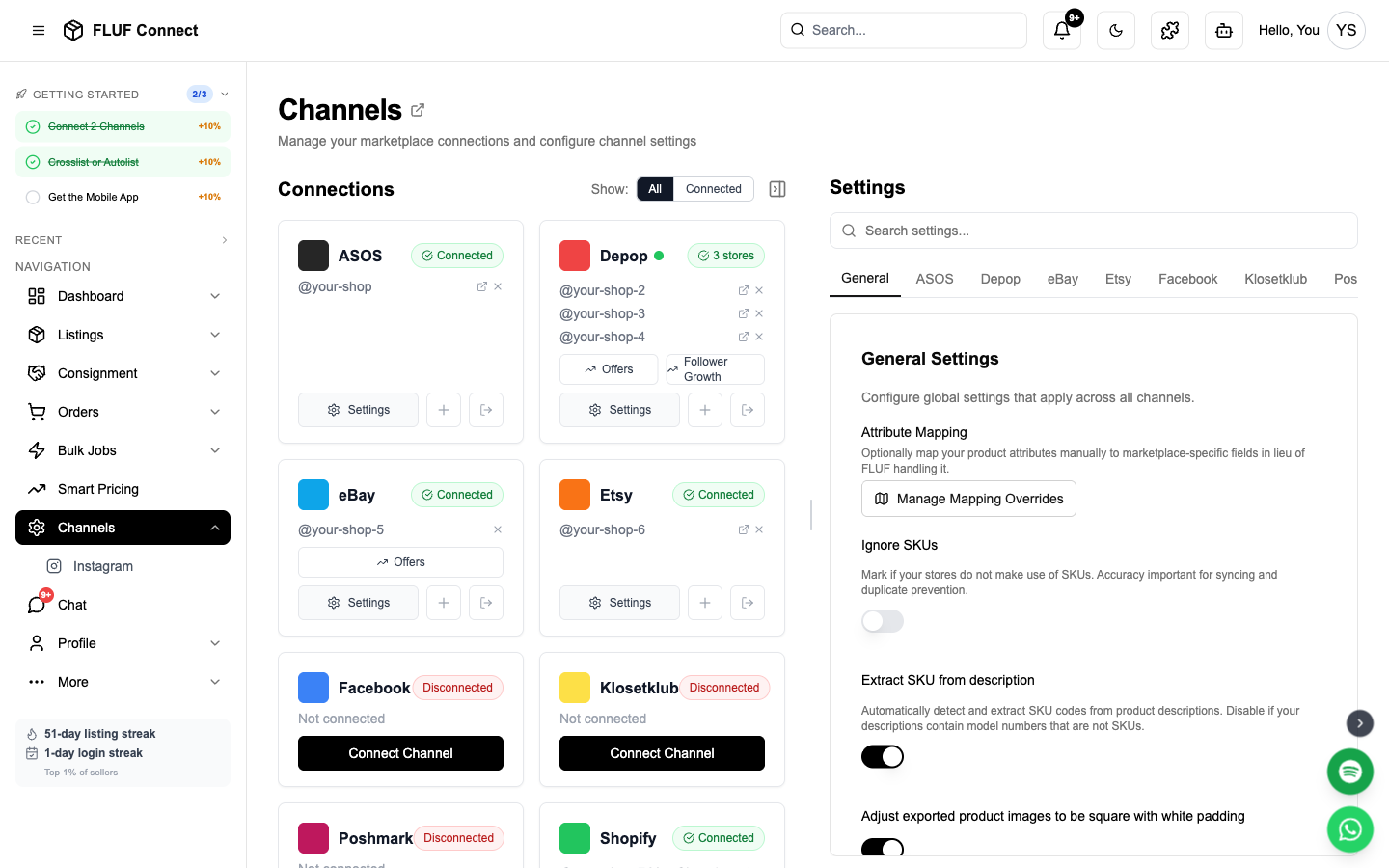
- Navigate to Connect → Channels
- Click Add Channel and select eBay
- Click Authorize with eBay
- You'll be redirected to eBay's secure login page
- Log in with your eBay credentials
- Review the permissions FLUF is requesting
- Click Agree to grant access
- You'll be redirected back to FLUF Connect
Permissions Granted:
- Read item listings
- Create new listings
- Update inventory levels
- Read order information
- Manage fulfillment
Security: FLUF never stores your eBay password. OAuth tokens are encrypted and securely stored.
What Gets Synced
- ✅ All active eBay listings are imported automatically
- ✅ Fixed-price listings (Buy It Now) work best for crosslisting
- ✅ Inventory updates happen via webhooks (instant)
- ✅ Orders sync automatically for fulfillment tracking
- ⚠️ Auction listings are imported but not auto-synced
Categories & Mapping
eBay requires specific category IDs for each listing:
- Auto-mapping: FLUF automatically maps common fashion categories
- Custom mapping: Customize mappings in Settings → Category Mapping
- Best practices: Use specific categories for better visibility
Pricing Strategy
Consider eBay's fees when setting prices:
- Final Value Fee: ~13% (varies by category)
- Promoted Listings: Optional ad fees (1-20%)
- Price Adjustments: Set automatic eBay price adjustments in channel settings
Example pricing rule:
Base price: £30
eBay adjustment: +15% = £34.50
(Covers 13% fee + profit margin)
After Connecting
Next steps to get started:
- Create listings — Crosslist to eBay instantly
- View your listings — Manage all products in one place
- Manage orders — Centralize fulfillment
- View analytics — Track eBay performance
Re-authorization
- eBay OAuth tokens expire after 18 months
- You'll receive an email notification 30 days before expiry
- Simply repeat the connection process to re-authorize
- No data is lost during re-authorization
Channel Settings
Once connected, you can configure eBay-specific settings in Channels → eBay → Settings.
Listing Behavior
| Setting | Description |
|---|---|
| Activate relisting | Delete and relist products by age. Max 1/30th of total stock is relisted per day. |
| Do not list items that incur fees | Prevent listings outside your free monthly allowance (avoids £0.30/listing fee) |
| Daily listing limit | Safety limit for listings per day before eBay charges fees. Default: 300. |
| Listing duration | Good Til Cancelled (GTC) or fixed duration (1-120 days). Auctions require a fixed duration — settings won't save with GTC selected if "List items as auctions" is on. |
| List items as auctions | Enable auction-style listings instead of fixed price. Pair with a fixed Listing duration (1, 3, 5, 7 or 10 days). |
| Buy it now price | For auctions: price at which item can be sold immediately |
| Auction reserve price | For auctions: minimum price for sale |
Promote (Promoted Listings)
Promote your eBay listings so they appear higher in eBay search — you only pay your chosen ad rate when a promoted item sells. Set it up from Channels → eBay → Promote.
See the full guide: Promote Your eBay Listings.
Best Offer & Offers
| Setting | Description |
|---|---|
| Accept best offer | Allow buyers to make offers on your listings |
| Automatic Best Offer management % | Set to 100% to disable. Otherwise, offers at or above this % are auto-accepted, counter offers sent below, and offers sent to watchers. Example: 80% = accept £8+ on a £10 item. |
| Offers to watchers delay | How many hours to wait before sending offers to watchers |
| Offer message for watchers | Custom message when offering special prices to interested buyers |
Shipping
| Setting | Description |
|---|---|
| Domestic shipping price | Default domestic shipping cost |
| International shipping price | Default international shipping cost |
| Disable international shipping | Only offer domestic shipping on new listings |
| Use Global Shipping Programme | Route international orders through eBay's GSP |
| Default domestic shipping service | Preferred carrier for domestic orders |
| Default international shipping service | Preferred carrier for international orders |
| Combined shipping discount profile | Apply your eBay Shipping Discount Profile for combined postage |
Tax
| Setting | Description |
|---|---|
| VAT percentage | VAT rate applied to new listings (e.g. 22 for Italy, 19 for Germany). Set to 0 to disable. Only applicable to EU Business Sellers. |
Messaging & Alerts
| Setting | Description |
|---|---|
| Post-purchase message | Message sent to buyers automatically after an order is detected. Leave blank to disable. |
| Overdue dispatch threshold | Get alerts when eBay orders are unshipped after X days. Set to 0 to disable. |
Advanced
| Setting | Description |
|---|---|
| Sync ended listings to counterparts | When an eBay listing ends (sold, expired, deleted), automatically mark crosslisted items as sold on other channels. |
Troubleshooting
Connection failed?
- Ensure you're logging into the correct eBay account
- Check that your eBay account is in good standing
- Disable browser extensions that may block redirects
- Contact support if issues persist
Not seeing all listings?
- eBay limits to active listings only
- Sold/ended listings are not imported
- Check your eBay seller account for any restrictions
Connect More Channels
Maximize reach by connecting additional marketplaces:
- Connect Depop — Gen-Z favorite, 30M users
- Connect Shopify — Your own online store
- Connect Vinted — European resale leader
- Connect Facebook Marketplace — Billions of buyers
- Connect Etsy — Handmade and vintage marketplace
See also: How Inventory Sync Works · Offer Management