 FLUF Connect
Connecting Vinted to FLUF Connect
Vinted is the largest C2C marketplace in Europe for secondhand fashion. Connect your account using the FLUF Utility Chrome Extension.
Prerequisites
- Active Vinted account in your country
- Google Chrome browser
- FLUF Utility Chrome Extension (installed during connection)
Connection Steps
Step 1: Select Your Country
- Navigate to Connect → Channels
- Click Add Channel and select Vinted
- Select your Vinted country from the dropdown:
- United Kingdom (vinted.co.uk)
- France (vinted.fr)
- Germany (vinted.de)
- Spain (vinted.es)
- Italy (vinted.it)
- Netherlands (vinted.nl)
- Belgium (vinted.be)
- Poland (vinted.pl)
- Czech Republic (vinted.cz)
- Lithuania (vinted.lt)
- Luxembourg (vinted.lu)
- Portugal (vinted.pt)
- Austria (vinted.at)
- Sweden (vinted.se)
- Denmark (vinted.dk)
- Finland (vinted.fi)
- Slovakia (vinted.sk)
- Hungary (vinted.hu)
- Romania (vinted.ro)
Critical: Select the country where your Vinted account is registered. Using the wrong domain will cause authentication to fail.
Step 2: Install FLUF Utility Chrome Extension
- Click Install Chrome Extension (appears after country selection)
- You'll be redirected to Chrome Web Store
- Click Add to Chrome
- Confirm the extension installation
- Return to FLUF Connect window
Step 3: Log Into Vinted
- Click Open Vinted button in the connection modal
- A new Chrome tab will open with your country's Vinted website
- Log in to Vinted in this new tab
- Return to FLUF Connect window
Step 4: Connect
- Click Connect with Chrome Extension
- FLUF will automatically detect your Vinted session
- You'll see a real-time status indicator:
- Detecting... — FLUF is checking for your Vinted session
- Connected! — Authentication successful
- Failed — See troubleshooting below
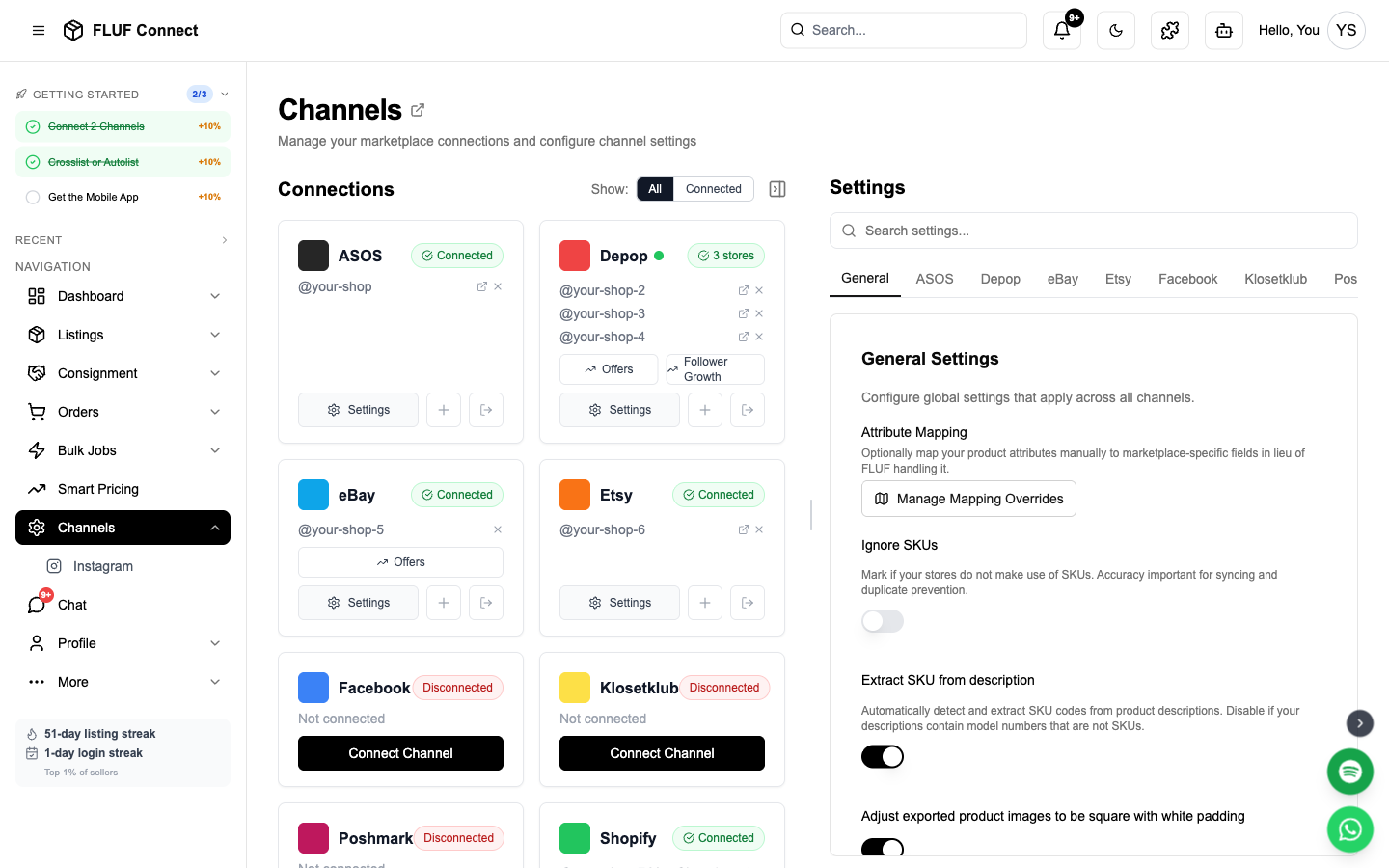
- Once connected, your Vinted channel card appears on the Channels page
Your password is never stored in FLUF. The Chrome Extension securely authenticates your session.
Staying Connected
Session Duration
- Vinted sessions may expire periodically
- The Chrome extension handles Vinted operations automatically in the background
- FLUF will notify you when re-authentication is needed
Re-connecting
When your session expires:
- Go to Channels
- Click Reconnect on your Vinted card
- Log in to Vinted when prompted
- Click Connect with Chrome Extension
- You're back online in seconds
What Happens After Connecting
- ✅ FLUF verifies your Vinted authentication
- ✅ Your existing Vinted listings are imported (may take 3-10 minutes)
- ✅ You can now crosslist new items to Vinted
- ✅ Sales on Vinted trigger automatic inventory sync
- ✅ Real-time connection status displayed on Channels page
Sync Behavior
- What syncs: New listings, sold items, inventory updates
- Sync speed: Updates are synced periodically throughout the day
- Listing speed: Listings are created within a few minutes
After Connecting
Next steps to get selling on Vinted:
- Create your first listing — Crosslist to Vinted (expect 1-3 min processing)
- View your listings — Monitor Vinted listing status
- Manage orders — Track Vinted sales
- Check sync logs — View connection health
Channel Settings
Once connected, you can configure Vinted-specific settings in Channels → Vinted → Settings.
Sync & Inventory
| Setting | Description |
|---|---|
| Disable automatic inventory syncing | When enabled, products will NOT be automatically delisted on Vinted when they sell elsewhere. Use this if you prefer manual Vinted inventory management. |
Listing Quality
| Setting | Description |
|---|---|
| Image distortion | Adjusts image processing for crosslisted items. Unchanged: Original quality. Medium: Light processing (recommended). High: Maximum processing. Higher settings help avoid duplicate listing issues on Vinted. |
| Enhanced listings with AI | Adds SEO keywords and extracts measurements from descriptions. Improves discoverability but adds ~30 seconds per listing. |
Shipping
| Setting | Description |
|---|---|
| Shipping package size | Default package size for new listings: Small, Medium, or Large. Product dimensions override this if available. |
Offer Management
| Setting | Description |
|---|---|
| Automatic offer management % | Set to 100% to disable. Otherwise, offers at or above this % are auto-accepted, counter offers sent below. Requires the FLUF Chrome Extension. Example: 80% = accept £8+ on a £10 item. |
| Send messages to likers | Sends a message to anyone who likes your items. Works on its own — you don't need automatic offers turned on. Useful for greetings or store info. |
| Message to likers | The text to send. Use {title} to include the item name. If automatic offers are also on, {discount}, {offer_price} and {original_price} are filled in too. |
Messaging & Alerts
| Setting | Description |
|---|---|
| Post-purchase message | Message sent to buyers automatically after an order is detected. Leave blank to disable. |
| Overdue dispatch threshold | Get alerts when Vinted orders are unshipped after X days. Set to 0 to disable. |
Troubleshooting
Chrome Extension not detecting Vinted session?
- Make sure you're logged into the correct Vinted country domain
- Verify the FLUF Utility extension is installed and enabled
- Refresh the Vinted tab and try connecting again
- Try logging out of Vinted and back in
- Check that you selected the correct country in Step 1
Connection status shows "Failed"?
- Verify you selected the correct Vinted country
- Make sure you're logged into Vinted in Chrome
- Clear Vinted cookies and log in fresh
- Disable other browser extensions that may interfere
- Try incognito mode (remember to enable FLUF extension in incognito)
Session keeps expiring?
- Vinted sessions may expire after a period of inactivity
- Open a Vinted tab and log in to refresh your session
- Re-authenticate when prompted (takes seconds)
- The Chrome extension will pick up the refreshed session automatically
Using more than one Vinted account?
- Keep Chrome logged into the Vinted account you connected to FLUF
- If you switch Vinted accounts in Chrome, reconnect the matching account in Channels before syncing orders or relisting
Listings not appearing on Vinted?
- Listing creation may take a few minutes (not instant)
- Check Channels for sync status
- Ensure all required fields are filled (Vinted is strict about completeness)
Best Practices
- List gradually: Grow your listings steadily for best results
- Keep account active: Log into Vinted regularly to maintain good standing
- Monitor notifications: Check Vinted app for any account warnings
- Re-authenticate promptly: When sessions expire, reconnect quickly to avoid sync gaps
- Use good photos: Vinted heavily prioritizes visual quality
Connect More Channels
Maximize your reach by connecting additional marketplaces:
- Connect eBay — Instant sync, 180M buyers worldwide
- Connect Depop — Gen-Z's favorite fashion marketplace
- Connect Shopify — Your own branded online store
- Connect Facebook Marketplace — Billions of buyers
- Connect Etsy — Handmade and vintage marketplace
See also: How Inventory Sync Works · Common Issues · Running Multiple Vinted Wardrobes